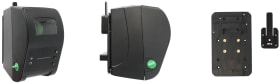
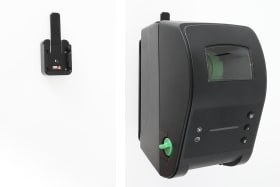
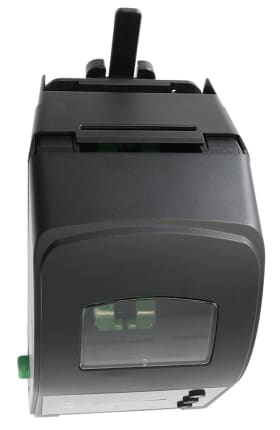
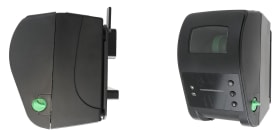
Wall mount with MultiMoveClip. AMPS holes.
Simplify and optimize the installation of your TSC printer with Brodit’s custom-made mounts. Designed for both functionality and convenience, Brodit mounting solutions help create a more efficient and organized work environment. Tailor-made to ensure a perfect, firm fit, providing a secure and stable installation.
Wall mount for attachment onto an included MutliMoveClip. With AMPS standard hole pattern. Made of high grade ABS/Acetal plastic. Color: black. Made in Sweden.
Please read all of the instructions and look at the pictures before attaching the product.
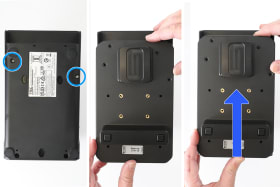
1. Place the printer with the back side facing upward. Remove the two screws in the printer. Place the mount on the printer and slide/press it upward so the hooks interlock in the printer and the holes match.
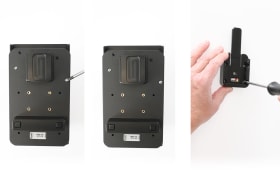
2. Attach the mount onto the printer using the included two screws. Place the MultiMoveClip into desired position and attach it with the enclosed screws.
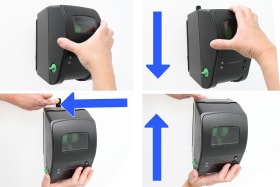
3. Put the device into place: Hold the device over the MultiMoveClip. Press it downwards onto the MultiMoveClip so it snaps into place. Remove the device: Press forward on the release lever and slide the device upwards away from the MultiMoveClip.
4. The product is in place.
Shop safely and securely