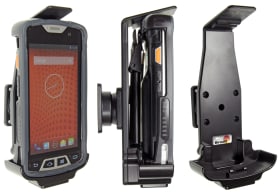
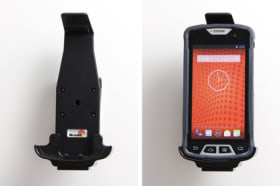
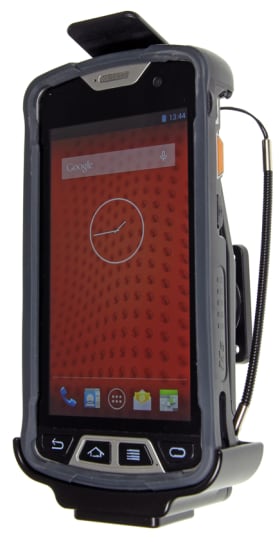
For device with bumper.
With your PDA in a passive holder attached onto the dashboard it is always within easy reach -safe and convenient. The holder is mounted onto a tilt swivel so it is adjustable for avoiding light reflection on the screen. It is easy to put the PDA in the holder, and to take it out of the holder. You can connect e.g. a charging cable to the PDA when it is in the holder.
Please read all of the instructions and look at the pictures before attaching the holder.
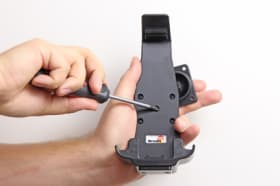
1. Loosen the screw in the center of the holder so you can remove the tilt swivel attaching plate on the back.
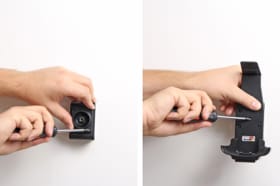
2. Place the attaching plate onto the desired position. Screw the attaching plate into place with the enclosed screws. Place the holder over the attaching plate so the screw fits in the hole in the tilt swivel. Tighten the screw so the holder is firmly in place, but still can be adjusted.
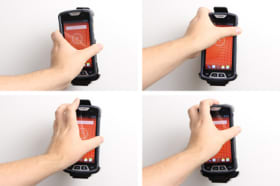
3. To place the device in the holder: Place the bottom part of the device into the holder. Press the top of the device forward and in the same time slide the device downward into place in the holder. To remove the device from the holder: Press the upper part of the holder forward. When the device is set free, lift it upward out of the holder.
4. The holder is in place.
Shop safely and securely