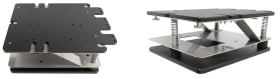
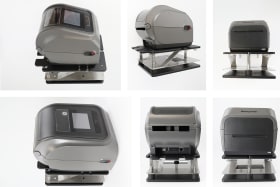
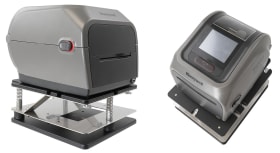
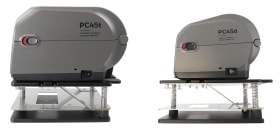
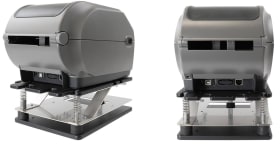
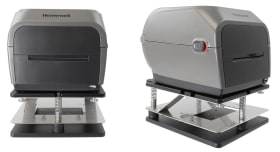
Mobile Printer Mount for reducing impact of shocks and vibrations when mounting different printers on forklifts, trucks or other vehicles.
This Mobile Printer Mount offers a stable and secure way to mount different printers on forklifts, trucks or other vehicles. The strong and robust construction with special springs and vibration dumpers reduces the impact of shocks and vibrations on your printer.
The modular design makes it easy to change printers by only replacing the top plate. Threaded inserts in the base plate provide mounting options for pedestal mounts with Vesa 75, Vesa 100 or AMPS standard.
This mount is designed for horizontal installation and is intended for indoor use in vehicles such as forklifts operating under moderate vibration levels. It is not recommended for off-road or extreme environments.
Made of high-quality ABS plastic and metal. Made in Sweden.
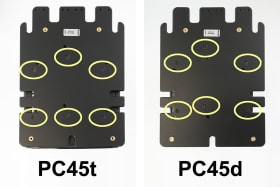
Please read all of the instructions and look at the pictures before attaching the holder. IMPORTANT: To mount the plate to your printer, use the holes that match your printer model. Use the screws labeled for your specific printer.
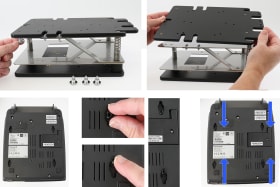
1. Detach the mounting plate from the Laubner printer bracket. Place the four locking pieces into the holes underneath the printer. Push the locking pieces up/down as shown in the picture so that they latch into place.
2. Attach the mounting plate to the printer. Use the holes shown in the picture according to your printer model.
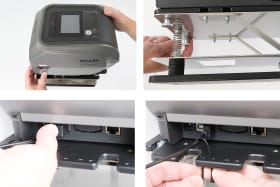
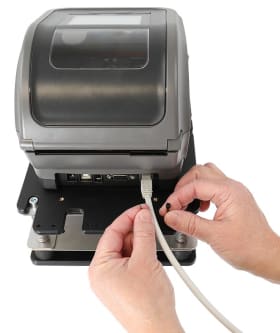
3. Place the printer with the mounting plate onto the Laubner printer bracket and screw it in place. Use the included cable ties for a more secure cable installation.
4. The product is in place.
Shop safely and securely