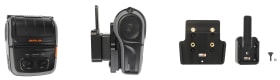
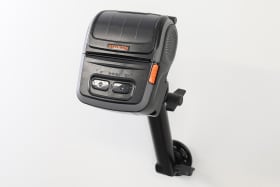
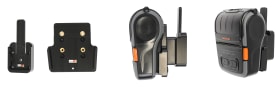
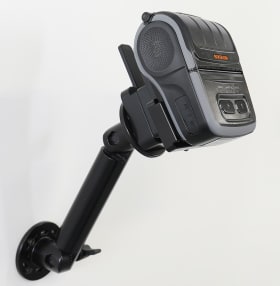
With MultiMoveClip.
This mount offers an easy and secure way to mount your printer. With quick release MultiMoveClip, it makes it easy to move your printer between locations. Combining functionality and convenience, Brodit products contribute to an improved working environment. Custom made mount with a perfect, firm fit. Attach onto a Pedestal Mount or a high strength ProClip mounting platform.
With AMPS-holes. Made of high grade ABS/Acetal plastic. Color: black. Made in Sweden.
Please read all of the instructions and look at the pictures before attaching the product.
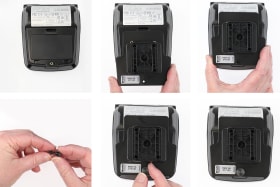
1. Place the mount onto the device. Press the mount upwards so that the hole fits. Screw the mount onto the printer with the enclosed thumb-screw.
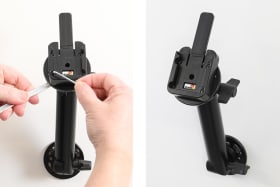
2. Mount the MultiMoveClip: Place the MultiMoveClip into desired position and attach it with the enclosed screws.
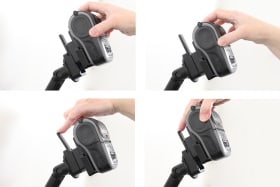
3. Put the device into place: Hold the device over the MultiMoveClip. Press it downwards onto the MultiMoveClip so it snaps into place. Remove the device: Press forward on the release lever and slide the device upwards away from the MultiMoveClip.
4. The mount is in place.
Shop safely and securely